
How to access the File Manager
1.To acccess file manager click on the corresspondin icon in the cpanel
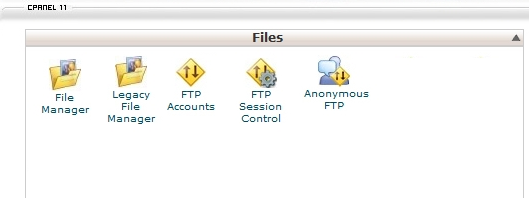
2. click on the file manager icon to open the file manager
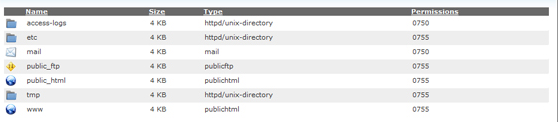
3.the file manager opens as follows
4.how to upload files
Navigate to the folder where you want to upload your files.
Click on the upload icon.
Click on the browse button next to one of the top fields.
Search for and double-click on the first file to upload. The upload will start automatically.
