
 Step 1) go to the following url
step 2) In the “Other Google Apps editions:”
click the standard
http://www.google.com/apps/intl/en/group/index.html
step3) click the get started Button
http://www.google.com/a/cpanel/domain/new
step4) in the label “I want to use an existing domain name”
it has two option
Administrator: I own or control this domain
End-user: I am a member of this domain
For sign up google aps select the first one
“Administrator: I own or control this domain”
Enter your domain click the start new.
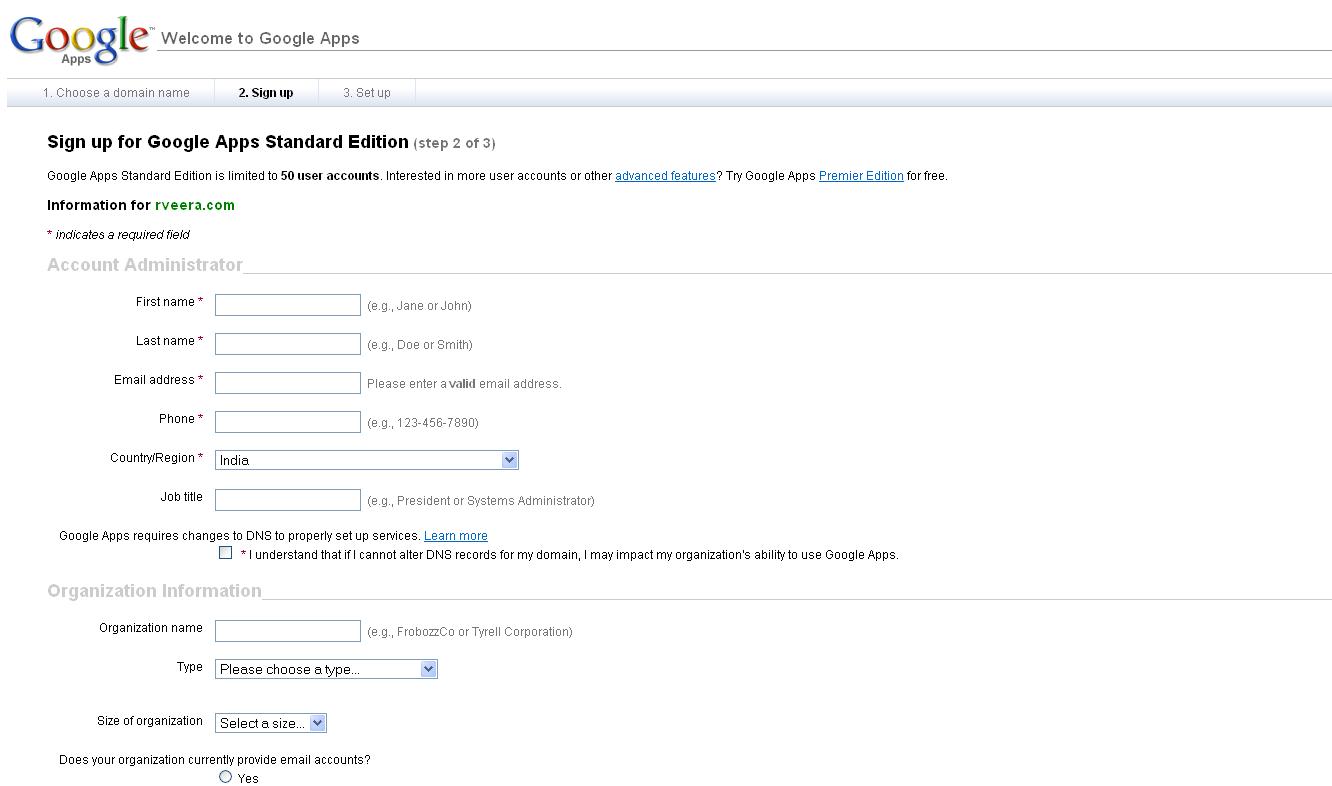
Step5) then it will ask your basic information fill the information
Fill the information and Go to the next step
Step6) in the setup section
It will ask the domain admin user name and password.
After give the details google aps setup configured successfully.
Step7) verification method
It will ask two method for verification
Upload an HTML file to abcd.com
Recommended if you can upload files to abcd.com
Change xyz.com CNAME record
CNAME records are created with your domain host
After verified google aps configured successfully
