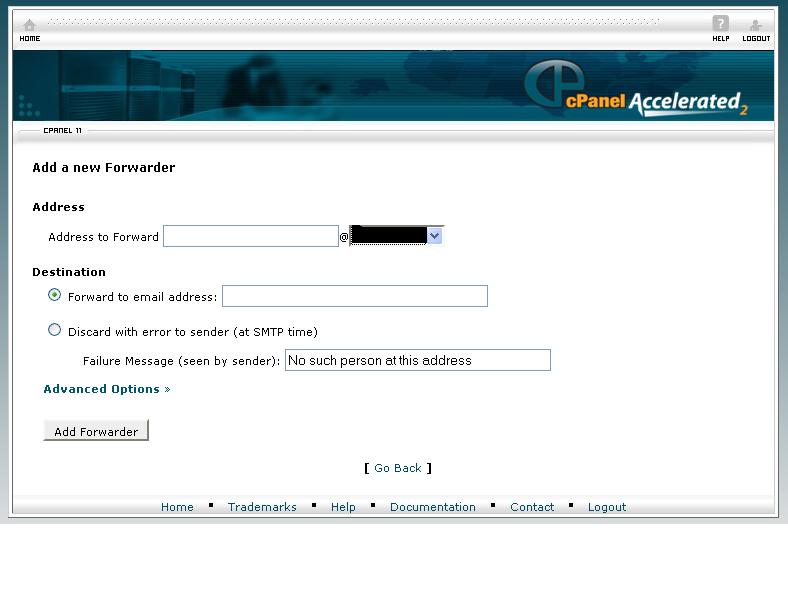
STEPS TO ENABLE MAIL FORWARDING IN CPANEL:
1. Login to cpanel using the url http://domainname/cpanel
2. In home page click forwarders >> Add Forwarder >> enter source and destination email id >> click add forwarder
3. Now you will get copy of all the mails which you receive in source id to the destination id.
eg. if you add abc@example.com to forward to xyz@example.com
All the mails which you receive in abc@example.com will be copied to xyz@example.com