1.Log into the cpanel
2.click on phpmyadmin windows opens
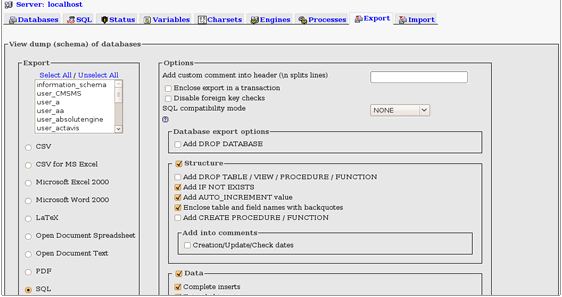
3.By clicking on the export tab,you can export all the database tables available in different formats like SV, SQL, PDF, Microsoft Excel, Microsoft Word, XML.You can export all the tables at a time or you can export one by one
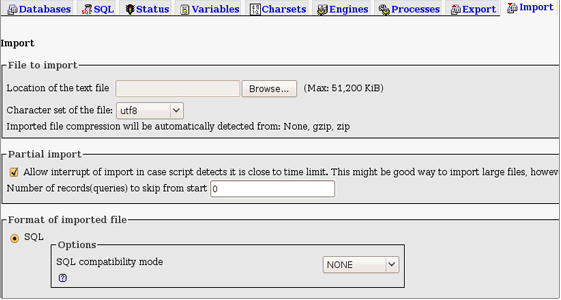
4.To import your database click on the import tab.You can import your database tables from a file, saved on your local computer