
1.To install joomla with fantastico ,log into the control panel
http://domainname/cpanel
2.click on the fantastico icon on the bottom of the control panel
3.Selct joomla from the menu list available at the right side.
4Click on new installation.
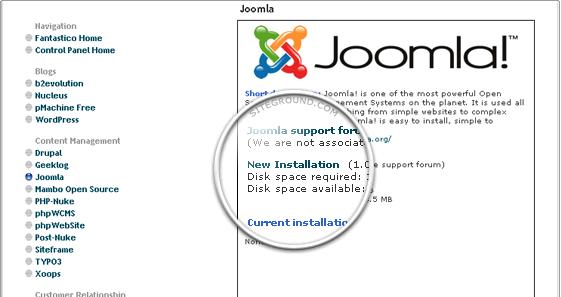
5.Now a form opens with the necessary steps to install the joomla.
6. –
installation directory: it ask for the directory where the joomla to be installed.IF you want to install on the home directory,leave the field blank
admin access:the username and password for accessing the administration panel of your Joomla installation.
email address:your e-mail address
admin name:your full name
sitename:name of the site to be displayed in the front page
7.Once you filed the form,ckick in install joomla.
8.Now a success page appears on successful joomla installation.you can now build your website.
