
1.To install oscommerce with fantastico ,log into the control panel
http://domainname/cpanel
2..click on the fantastico icon on the bottom of the control panel
3.Selct oscommerce from the menu list available at the right side.
4.Click on new installation.
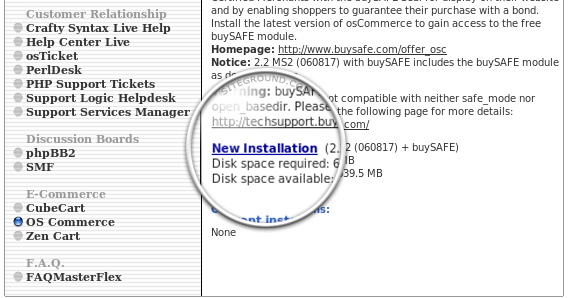
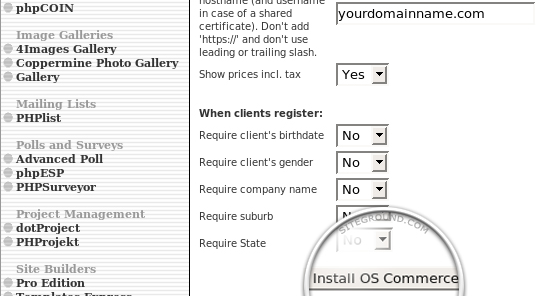
5.Now a form opens with the necessary steps to install the oscommerce.
6.Select your domain name for shop,then fill in the administrator username and password, the name of the shop and its owner and the contact e-mail address.then click on install oscommerce
7.In the next page it will ask for the confirmation.click in finish installation to proceed further.
8.The next page displays confirmation that the setup and the configuration have been successful.
9.Now the os commerce shopping cart is successfully installed on your domain name.
