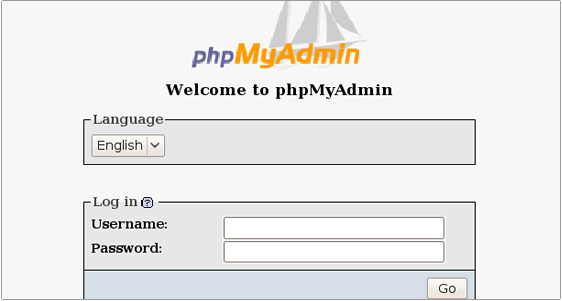
1.Download the phpmyadmin software
wget http://sourceforge.net/projects/phpmyadmin/files%2FphpMyAdmin%2F3.3.1%2FphpMyAdmin-3.3.1-all-languages.7z/download#!md5!8deab1b30f415dd2f33c46e8f28501ef
2.Extract the package
3.Then upload the extracted files and folders through filezilla
4.Place the software at the place where you would like to access the software
5.If you want to open phpmyadmin as http://domainname/phpmyadmin means,place the contents under public_html/phpmyadmin
6.NOw create the database ,database user and add that user to the database.
7.Give full privilage to the user.
8.open the phpmyadmin page using the url
http://domainname/phpmyadmin