If you are installing smf on the virtual private server means,
1.Log into the vps using ssh.
2.download the package
wget http://download.simplemachines.org/smf 1.1.11
extract the package
OR
If your are trying to install via cpanel means,
download and extract the package in the local machine
and upload it in the control panel >> file manager >> public_html
3.create a database in the control panel
control panel >> mysql database wizard >> data base name >> create a database user >> add that user into the database >> give full privelage
4.open the browser http://yourdomainname/smf/install.php
5.Now it will ask for forum name,give the forum name as SMF
6.Forum url
7.Give the database name,username,password and hostname of database
8.Once the settings are filled,click ok.
9,The next step is creating the admin account
10.once you filled the form click proceed.
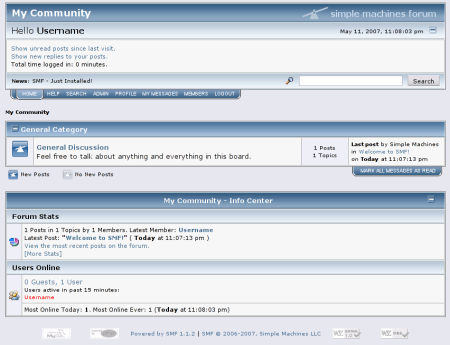
Now the smf is installed successfully.
Note:Its very important to delete the install.php in the server.
open the browser http://yourdomainname