
If you are using VPS means
1.Log into the terminal using ssh
2. Down load the package
wget http://wordpress.org/latest.zip
3.extract the package
unzip latest.zip
4. cd wordpress
5. mv wp-config-sample.php wp-config.php
6. vi wp-config.php
define(‘DB_NAME’ database name);
define(‘DB_USER’ database user);
define(‘DB_PASSWORD’ database password);
7.Now create the database
8. log into control panel >> mysql database >> create a database name >> create a user >> add that user to the database >> give all privilages
9.Now call it from the browser
10. http://yourdomain
A wordpress window opens with the username and password.

Give the username and password and login
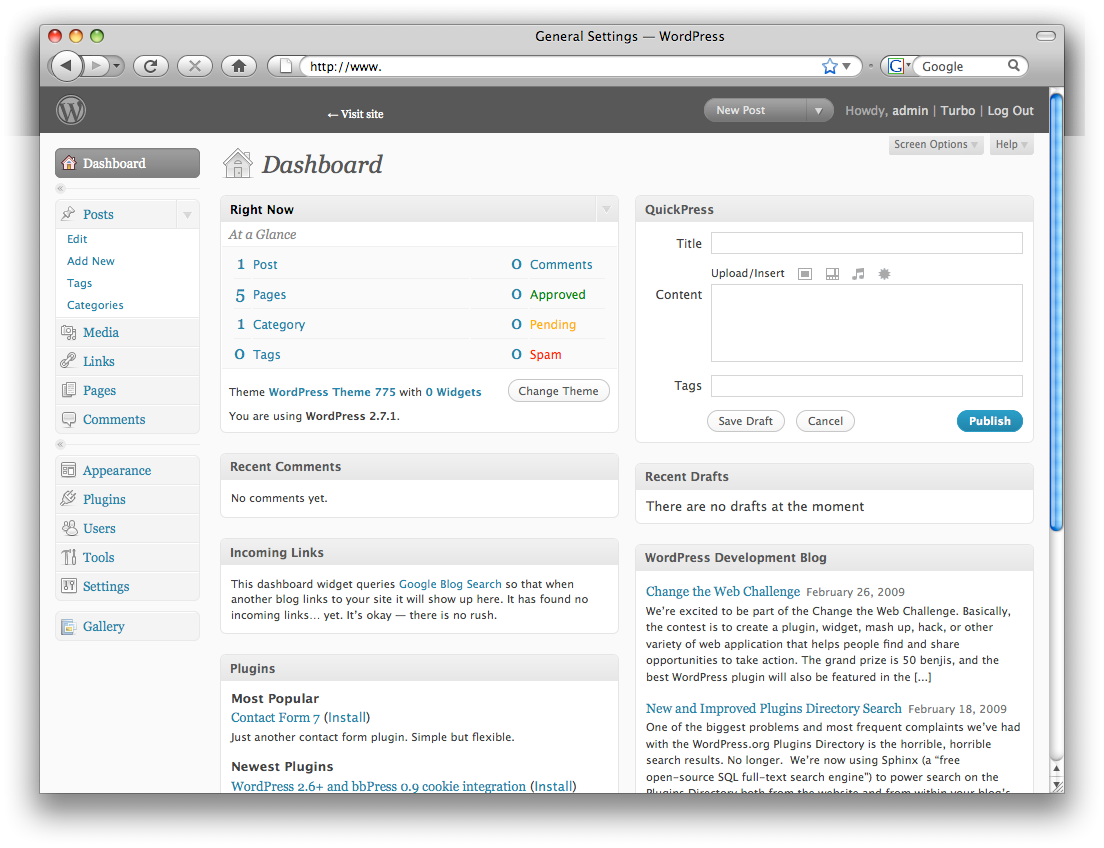
Now the wordpress is installed .
