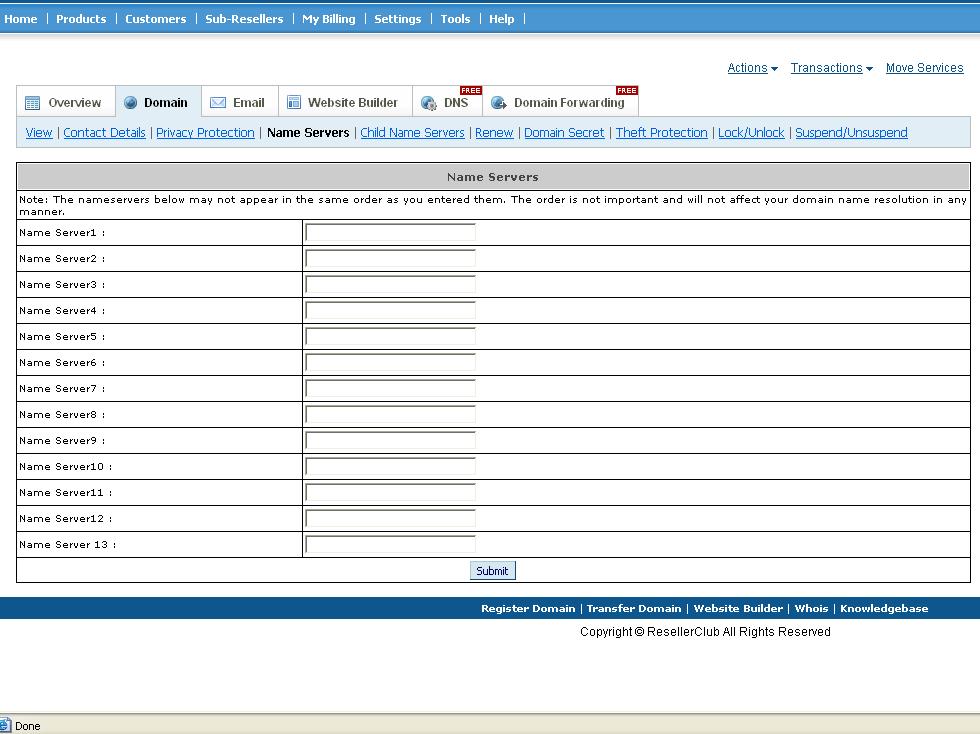
STEPS TO UPDATE NAME SERVERS IN DOMAIN CONTROL PANEL:
1. Login to domain control panel using the url;
Customer: http://dom.squarebrothers.com/customer
Reseller: http://dom.squarebrothers.com/reseller
2. Under JUMP to Domain enter the domain name and select Domain registration service >> click >>
3. Click NAME SERVERS and add the name servers details providedby your hosting provider