
1.Log into the cpanel
2.click on the cronjob icon on the cpanel
3.The cron job dialog displays
4.There are two different ways you can add a cron job: Standard and Advanced
To set the cron job using standard,click on the standard
5.Enter the email address where the cron output will be sent
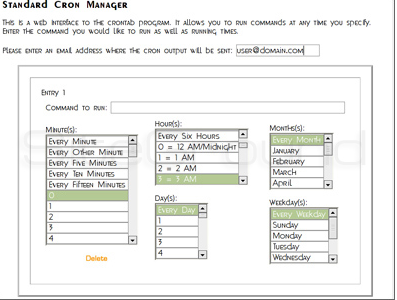
6.Enter the command you wish to run on the cron
7.Click on Save Crontab to save your changes and set up your cron job.
