STEPS TO CREATE MYSQL AND MSSQL DATABASE:
1. Login to Plesk control panel
2. Click Home
3. Under Services >> click Database
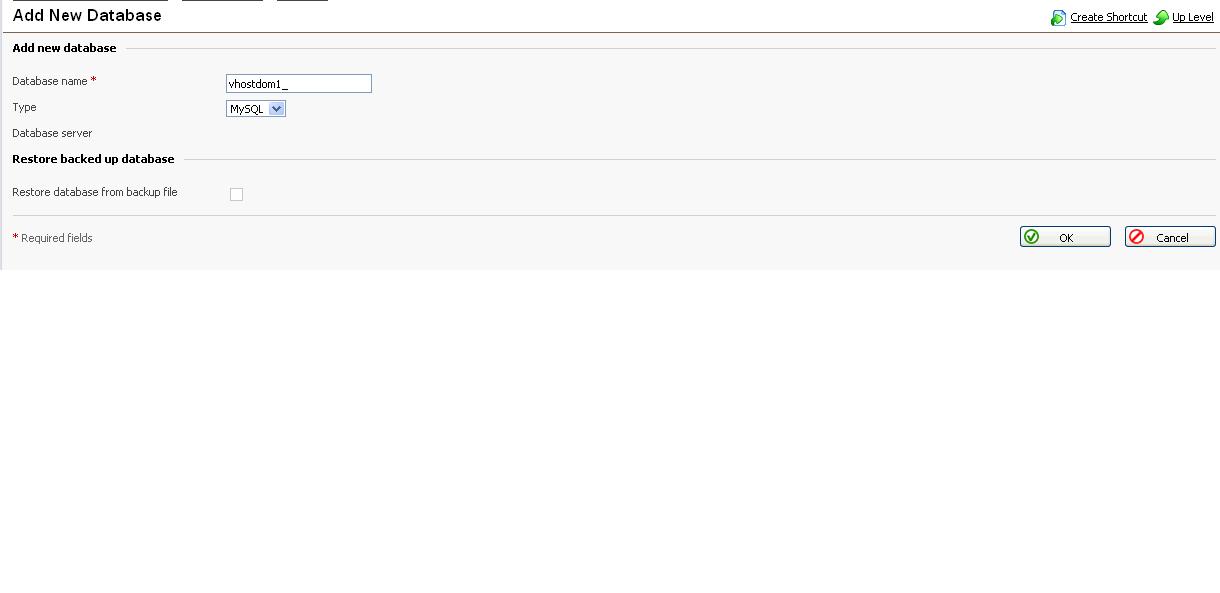
4. Click Add New Database
5. Enter Database name and select the type (MS or MY SQL) >> Click ok
6. Now database is created
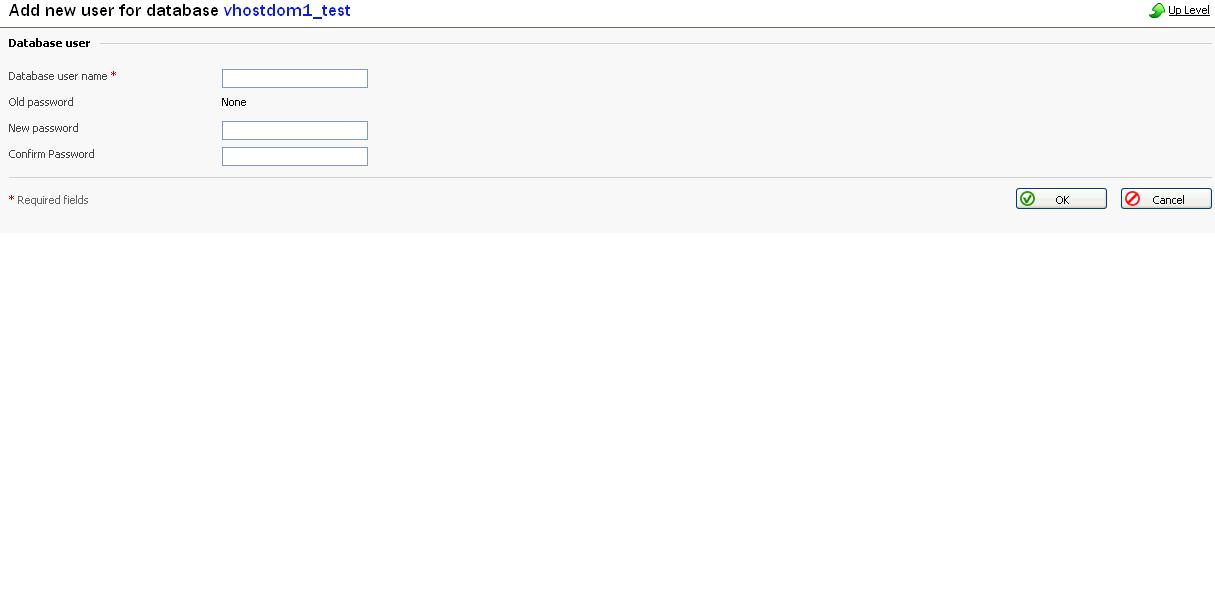
7. Now click Add New Database User
8. Enter the database user name and password >> click Ok
9. Now your database is successfully created.