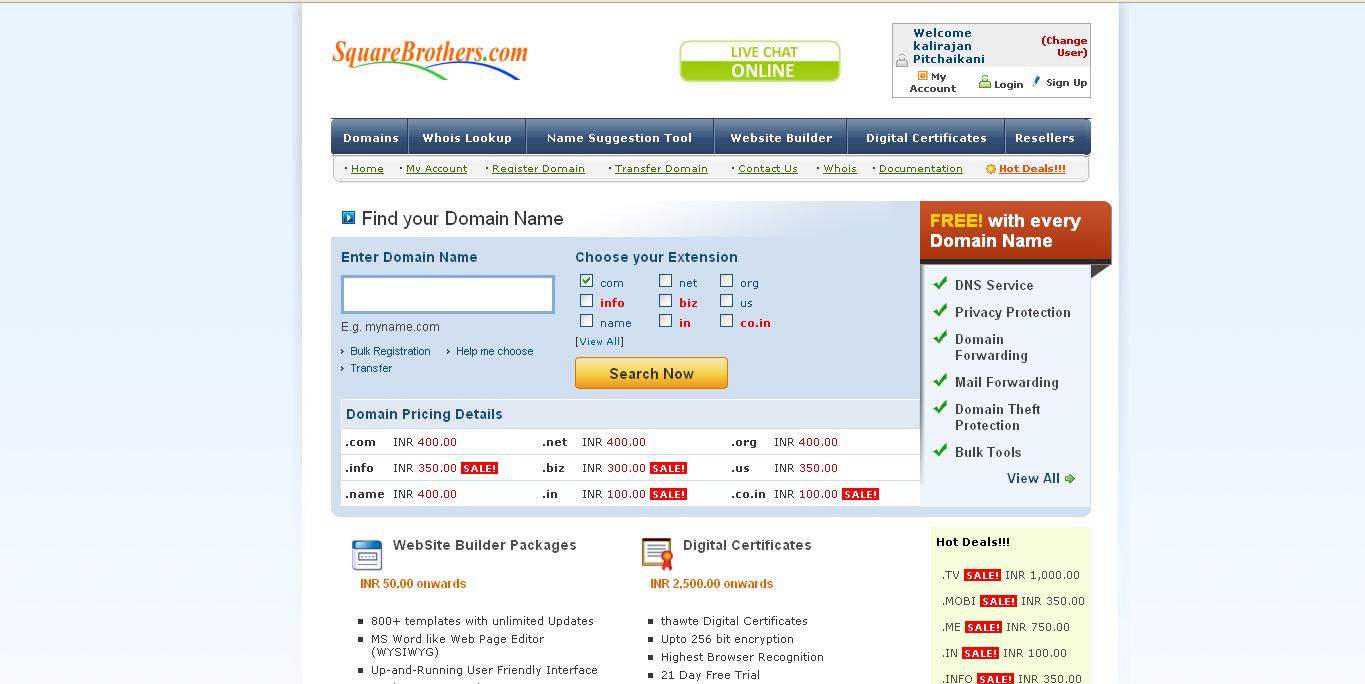
1. First sign up for a domain reseller account
2. Once your reseller account is active, create a customer account under your reseller account
3.Move the domain to your reseller panel for which you need to configure super and partner site
4. Then login to your domain reseller account and click >> settings >> super site and partner site >> url
5. Enter the super site url and click update
Update the CNAME record for your supersite as mentioned there;
HOST NAME:
VALUE:
6. Enter the partner site and click update
Update A record for your partnersite as;
HOST NAME:
A RECORD:
7. Enter control panel site url and click update
Update A record for the control panel url
HOST NAME:
A RECORD: